Download & install AMP
Everything you need to run attendance, payroll and reports — on your Windows PC, in minutes.

AMP Attendance Manager
Attendance • Payroll • Reports
- Windows 10 / 11 (64-bit)
- ~78 MB
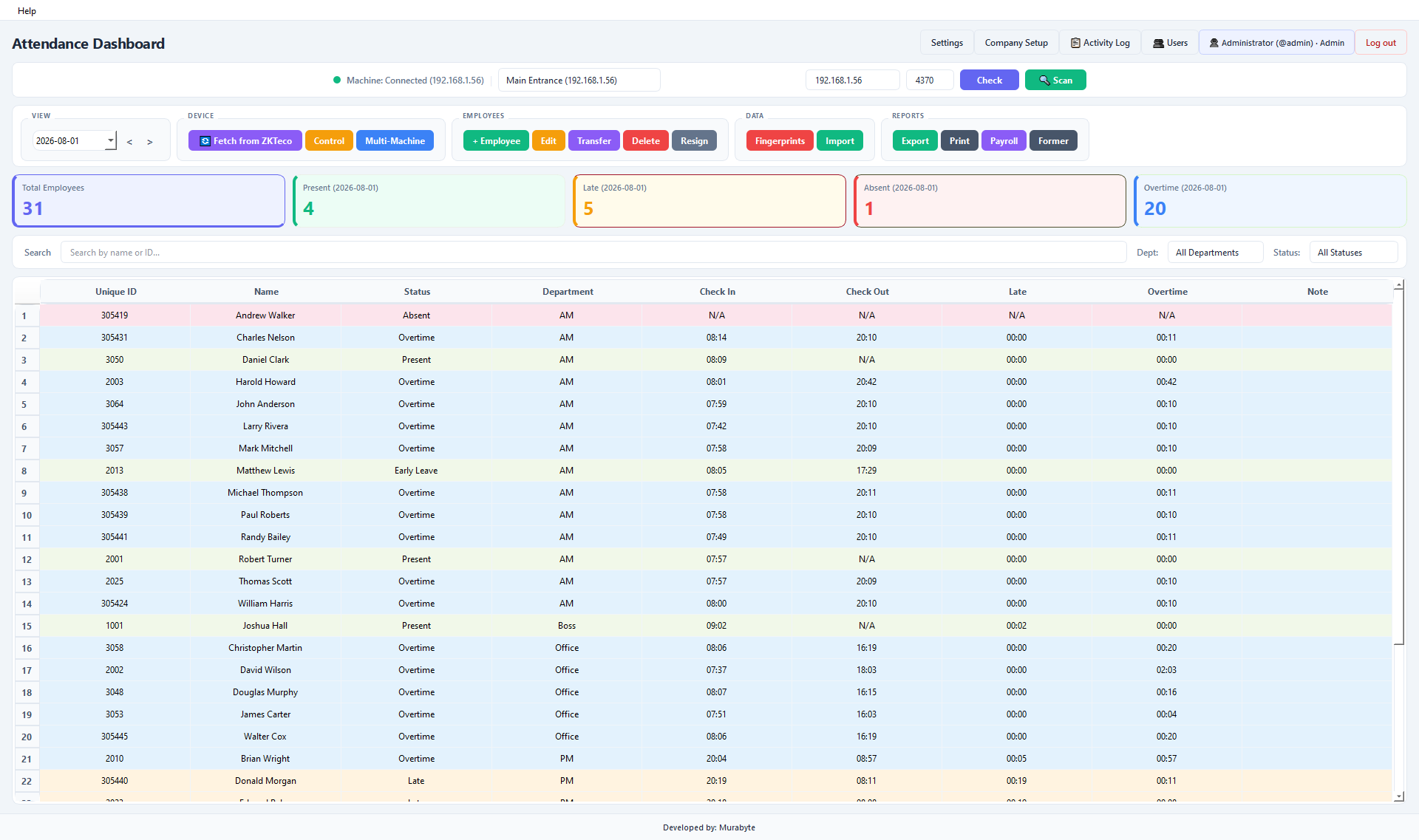
Connect to your ZKTeco fingerprint devices, calculate attendance and payroll automatically, and produce print-ready reports — all from one desktop app that runs offline.

Install in a few simple steps
No technical skills required. From download to your first report in minutes.
Download the setup
Click the download button above and save the file to your Windows PC.
Open the installer
Double-click AMP_Attendance_Manager_Setup.exe.
Verify, then run
If Windows SmartScreen appears, don’t bypass it automatically. Confirm the file came only from the Microsoft Store or our official GitHub releases, and check Properties → Digital Signatures to verify the publisher before running.
Follow the wizard
Next → Next → Install, then open the AMP application.
Start your free trial
Your 15-day trial begins automatically — add your device and employees, and you’re ready to go.
System requirements
- ✓Operating system: Windows 10 or 11 (64-bit)
- ✓Disk space: about 78 MB to download (about 80 MB installed)
- ✓Network: connect to your ZKTeco device on the same network (for device sync)
- ✓Internet: not required to run the app after activation
- ✓Data: stored locally on your computer
Need a hand?
Stuck on installation or activation? Our team is one message away and happy to help you get started.
💬 Chat on WhatsAppNot sure it fits your company?
See all features and pricing, then start your free trial whenever you’re ready.
One-time licenses with no renewal, on Gumroad in USD: Basic $59, Business $119, Professional $199, Enterprise $349. In Egypt, in EGP: 3,200 / 6,450 / 10,800 / 18,900. The 15-day trial is separate. Checkout may add tax.
View current offer on Gumroad